Judging software for pitch competitions, science fairs, and student contests
Pitch competitions, science fairs, hackathons, and other student contests share a shape that a spreadsheet handles badly: a field of student teams or individuals, split across grade levels or categories, judged by a panel that has to be assigned fairly, scored on a rubric, and published in a way that a parent, sponsor, or faculty advisor can trust when a placement gets questioned. Judging software for this slice of events is not a generic form builder with a scoring column bolted on, it has to handle divisions, panel assignment, rubric weighting, bias checks, and a results page that stands on its own.
Continuous Cup runs that whole workflow: entry collection with divisions and custom fields, judge assignment with overlap you can check, weighted rubric scoring on whatever device a judge has open, optional preliminary and finals rounds, automatic bias flags, and published results backed by a defensibility report. Pitch competitions, science fairs, and hackathons all run on the same platform without you gluing together a registration form, a scoring spreadsheet, and a separate results announcement.
Continuous Cup is competition-management software for organizers who need to collect entries, coordinate judging, calculate scores, and publish trustworthy results from one platform. It handles the parts that make student contests hard: divisions by grade level or track, judge panels that overlap enough to compare, and a results page that answers questions instead of raising them. See pricing or start free.
Entries with divisions, categories, and the fields your contest actually asks for
A science fair splits by grade band and discipline, a pitch competition splits by track or industry, a hackathon splits by theme or challenge. Continuous Cup gives every competition a public entry page with a shareable link, and you define whatever divisions and custom fields your contest needs, grade level, category, track, team size, whatever shows up on your intake form today. Students or teams register through that page, and each entry lands in the right division automatically, so placements and awards respect the split you set up, not one you have to enforce by hand afterward. The entry form and the rubric are defined once for the competition and apply to every division.
Anonymity applies to what judges read, honestly, not to who stands in front of them
A live pitch or a science-fair presentation cannot be judged anonymously, judges are looking at the student while they present, and pretending otherwise would be dishonest. Where anonymity does apply is everything that arrives before or alongside the live moment: written applications, posters, papers, project summaries, decks. When judging is anonymized, Continuous Cup assigns every entry an anonymous code the moment it is logged, and judges reading those materials ahead of time see the code, not a name or a school. If your contest scores a written round separately from the live round, both can run through the same anonymized, judge-scored process, and the scoring and bias checks apply evenly to both. For the mechanics of how the code-based model holds up under audit, see anonymized judging software.
Judge assignment built so panels can actually be compared
With more students than any one judge can see, you need multiple panels, and the moment you have multiple panels you have a fairness question: is a 9 from Judge A's table the same as a 9 from Judge B's table? Continuous Cup's assignment engine distributes entries across your judging panel with balanced load and deliberate overlap, so every pair of judges shares enough entries in common to be statistically compared, not just assigned to disjoint tables that never touch. The organizer's Distribution view shows that coverage live while judging is underway, so a gap in overlap is something you catch during the event, not something a statistician finds afterward. How to score a competition fairly goes deeper into why that overlap matters for the scoring method itself.
Weighted rubric scoring, on whatever device a judge has open
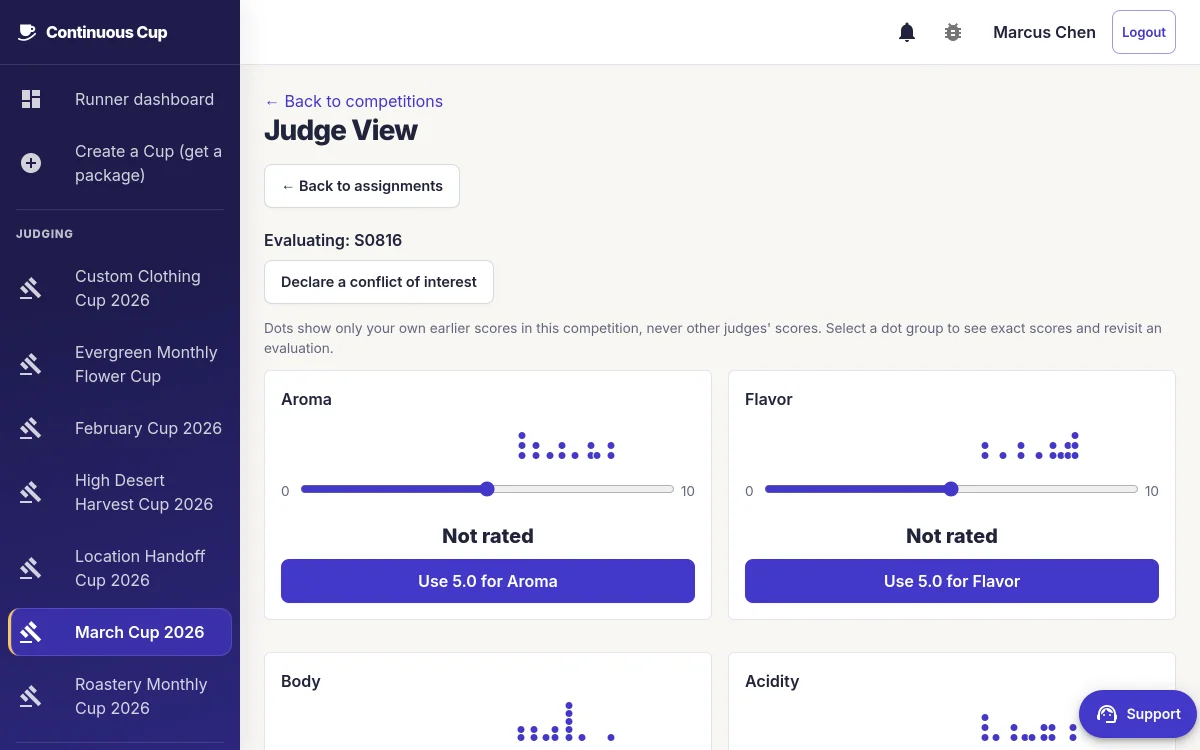
Judges at a pitch competition or science fair are usually moving between tables or booths, not sitting at a desk with a laptop plugged in. Continuous Cup's evaluation forms work on any device with a browser, phone, tablet, or laptop, and scores are captured against the weighted rubric you define, innovation, presentation, feasibility, scientific method, whatever criteria your contest actually judges on. A QR code at each table or booth can route a judge straight into the right evaluation form instead of hunting through a list. If you are still building your rubric, how to create a judging rubric covers how to weight criteria before the first judge sits down.
Preliminary rounds into a finals round, tracked separately
Many pitch competitions and science fairs run a preliminary round to narrow the field before a finals round in front of a different, often more senior, panel. Continuous Cup supports that directly: set how many teams or projects advance, and the platform carries that group into the next round with its own scoring. Each round is kept separate in the results, so a strong preliminary score does not quietly carry weight into the finals ranking, the finals panel is judging what is in front of them.
A strict judge should not be able to sink a student on their own
Every panel has judges who run harsh and judges who run generous, and a student's placement should not come down to which table they happened to draw. Continuous Cup runs automatic bias checks against the panel, flagging a judge whose scores are consistently harsher, more lenient, or drifting from the rest of the group, and offers normalization methods you can choose to limit how much a single outlier judge can swing a result rather than a straight average that lets one score dominate. None of this hides information: the panel report shows you exactly which judge triggered a flag and why, before results publish, so you can look at it rather than explain it after the fact.
Event-day mode for a contest decided in one room, in one day
Science fairs and hackathons especially tend to run start-to-finish in a single day: projects arrive in the morning, get judged in the afternoon, and awards happen before everyone leaves. Continuous Cup's walk-up mode lets students check in and register on-site instead of requiring advance sign-up, and a live readiness view shows organizers which entries are judged and which are still waiting while the event is running, so you know the state of judging without walking the room. See competition-day judging for the full on-site check-in and live-progress workflow.
Results a parent, sponsor, or faculty advisor can check for themselves
Student contests attract questions from people who were not in the judging room, parents, sponsors, teachers, and every one of them deserves a real answer, not a shrug. Continuous Cup publishes a results page with rank and score, and for completed public walk-up events, a transparency section that shows, in plain terms, how the panel scored and whether judges agreed with each other. When judging closes, a full defensibility report is available: judge-bias flags, panel-overlap coverage, and a step-by-step record of how each score was combined, exportable so you can hand it to whoever is asking. You can see the shape of that report before running your own event at the sample defensibility report, and you can walk a full, completed event, entries, divisions, and its own public transparency page, at explore a completed sample competition.
Pitch competitions, business-plan contests, and hackathons
Pitch and business-plan competitions usually score on a fixed rubric (problem, market, team, ask) across a room of judges who rotate between tables, which is exactly the balanced-overlap assignment case above. Hackathons add a wrinkle: judging often happens at the end of a compressed build window, so a fast, phone-friendly scoring form matters more than almost anywhere else, judges are tired and the schedule is tight. Both run as ordinary Continuous Cup competitions, with divisions standing in for tracks or challenge categories rather than grade levels.
Science fairs and invention-style contests
Science fairs typically judge a written project summary or board alongside a short interview or presentation, and they almost always run multiple divisions by grade band and sometimes by discipline. Set each grade band up as its own division so each band gets its own first, second, and third rather than one podium across the whole fair. Run it as a same-day walk-up event and the published results go further, listing each division as its own ranked group. Use the anonymized written-materials flow above for any project summary or abstract judges read before the interview. If your fair also gives out category awards on top of overall placement, awards judging software covers running award categories alongside a ranked division.
Where this fits if you are running your first event
Everything above runs on the same platform as every other judged competition Continuous Cup supports, not a separate product for student contests. For the full lifecycle from setting up entries through publishing results, see how to run a judged competition, and for how all the pieces, entries, judging, scoring, results, fit together, see the judged competition platform overview.
Frequently asked questions
How do you keep judging fair when students present live in the room?
Honestly, a live pitch or presentation cannot be judged anonymously, the judges are looking at the student while they present. Where Continuous Cup can apply anonymity is on the parts that arrive before anyone stands up: with anonymized judging enabled, applications, posters, papers, decks, and any written materials get an anonymous code the moment they are logged, so judges reading ahead of time are not influenced by a name or a school. The scoring and bias checks then apply evenly across both the written and live components.
Can we score different grade levels or tracks in the same event?
Yes, on one shared rubric. Set up divisions for grade level, category, or track (middle school and high school, hardware and software, a science-fair discipline), and every entry is tagged to its division as it comes in. One rubric and one entry form cover the whole event, and placements are then awarded within each division, first, second, third, and honorable mention per division, plus a Best in Show across all of them, so a middle schooler is never placed against a high schooler. If two groups need genuinely different scoring criteria or different entry questions, run them as separate competitions: the rubric and the entry fields belong to the competition, not to the division.
How do you assign judges so we can compare results across different panels?
Continuous Cup assigns judges automatically with balanced load and deliberate overlap between panels, so no two judges see a completely disjoint set of students. That overlap is what lets you compare a score from one table to a score from another with some statistical footing, rather than treating every panel as its own isolated contest.
What happens if one judge scores much harsher than the rest of the panel?
A single harsh or lenient judge should not be able to sink or inflate a student on their own. Continuous Cup runs automatic checks that flag a judge whose scores drift from the rest of the panel, and offers normalization methods you can choose to limit how much one outlier judge can swing a result. The panel report shows you exactly which judge is out of line, before you publish, not after a parent calls.
Can we run a preliminary round and then a finals round?
Yes. Set how many teams or projects advance out of a preliminary round, and Continuous Cup carries that group into a finals round with its own scoring. Each round stays separate in the results, so a strong preliminary score does not quietly carry over into the finals ranking.
How do we answer a parent, sponsor, or faculty advisor who questions a result?
Every completed competition can produce a defensibility report: judge-bias flags, panel-overlap coverage, and a record of how each score was combined, plus a public page that shows the same picture to anyone who checks. Instead of re-arguing a placement from memory, you point at the report.